Pyre.Stream
Your whole studio. Every platform. One app.
Scenes, overlays, alerts and multistream in one app, running on your PC, your phone or our cloud.
Free during the public beta. After that, streamingStreaming from your own PC stays free.
Multistream
One stream in. Every platform out.
Go live on Twitch, YouTube and Kick at the same time, or anywhere else with a custom destination. Send one upload through Pyre's cloud and three platforms cost the bandwidth of one.
- Twitch, YouTube, Kick and any RTMP server
- Its own resolution, bitrate and frame rate per destination
- Free from your own PC
Studio
Bring your OBS scenes. Leave the OBS window behind.
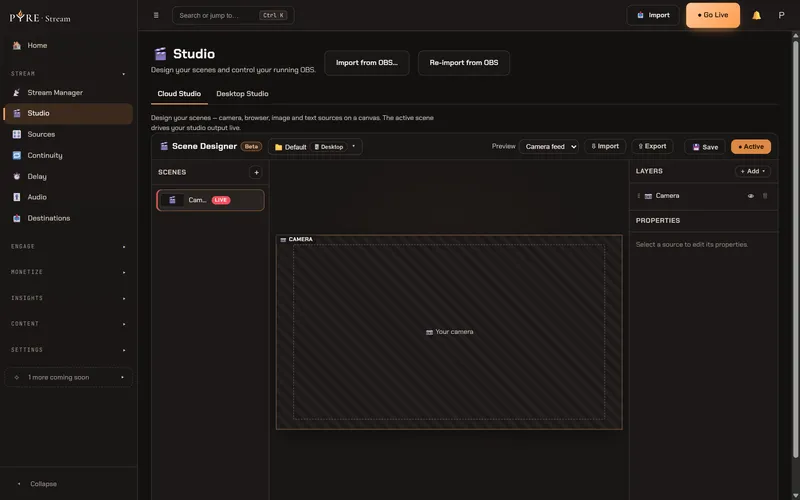
OBS runs inside Pyre, in the Pyre.Stream desktop app. Import your scene collections once and every scene, source and overlay comes with you. Your OBS files are never changed.
- Running the import again later is safe
- Design scenes in your browser too
- Scenes, alerts and overlays in one place
Cloud Studio
A studio in the cloud. No second PC.
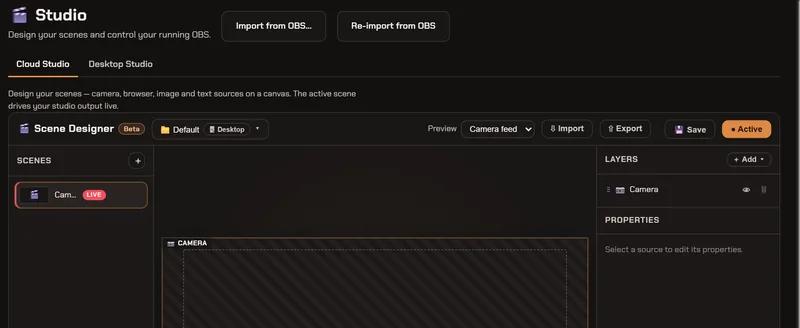
Cloud Studio runs your scenes on a GPU machine we start for you, so a laptop, or your phone, can send a stream it could not build on its own. Every scene loads ahead of time, so switching mid stream is instant.
$2an hour, capped at $50 a month
Phone app
Your phone is a camera crew.
The Pyre app for Android turns your phone into a camera with its own encoder. Go live straight to your platforms in seconds, through Cloud Studio with your overlays, or as one more camera for your PC.
- Start muted, then go live
- Picture-in-Picture with Mute, Pause and End
- Private test streams before the real thing
And everything else you'd expect.
All in the same app, under the same sign-in.
Alerts
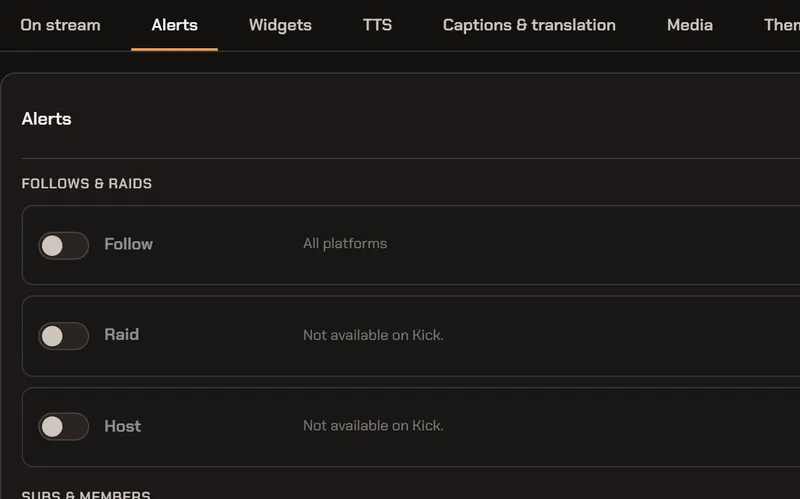
Follows, raids, subs, tips, cheers and Super Chats, each with its own look and sound. Test any alert with one click.
Read the guide: AlertsOverlays and widgets
A tip goal, recent events, a chat box or a ticker, added to any scene and sized for you.
Read the guide: Overlays and widgetsText to speech
Tips, cheers and redemptions read aloud. Viewers pick a voice by its tag.
Read the guide: Text to speech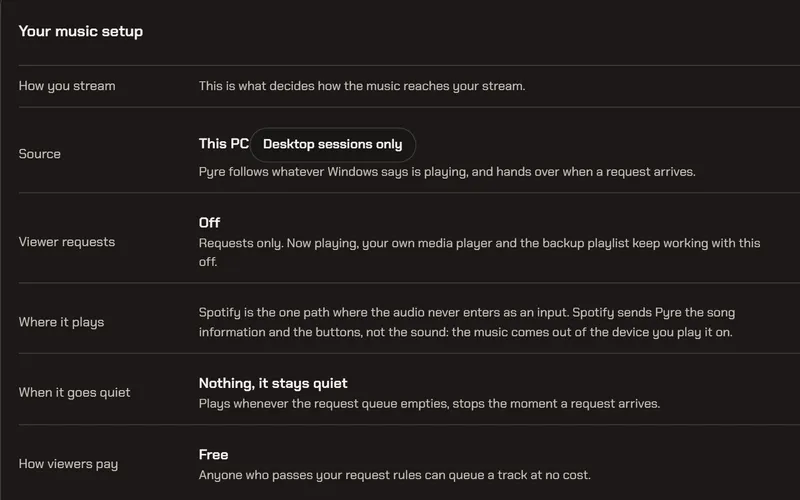
Song requests
Viewers request YouTube and SoundCloud links from chat. Off until you turn it on, with caps you set.
Read the guide: Song requestsTest streams
A real stream to a private player only you can see. Nothing fires.
Read the guide: Test streams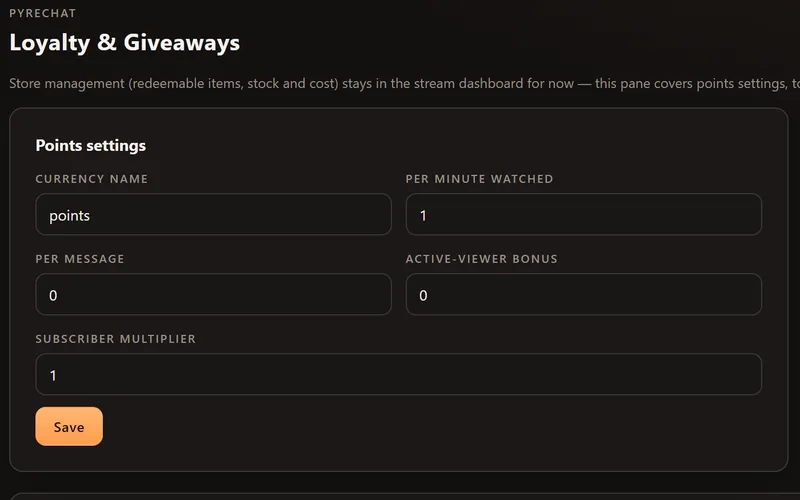
Loyalty and giveaways
Points for watching, a store, chat games like !gamble and !duel, and raffles with a keyword.
Read the guide: Loyalty and giveawaysStream delay
Hold your stream back by 30 seconds or up to an hour, even while you are live.
Read the guide: Stream delayContinuity (BRB and failover)
A failover order for your inputs, a reconnect card when all are dark, and BRB in one toggle.
Read the guide: Continuity (BRB and failover)Tips with a 0% cut
Card tips straight into your own Stripe account, or through PayPal. Pyre takes no cut.
Read the guide: Tips with a 0% cutPublic profile page
Your page on pyre.studio with your stream, a read-only chat, your goals and tips.
Read the guide: Public profile pageSchedule and Discord
One schedule copied to Twitch and YouTube, and a Discord post when you go live.
Read the guide: Schedule and Discord